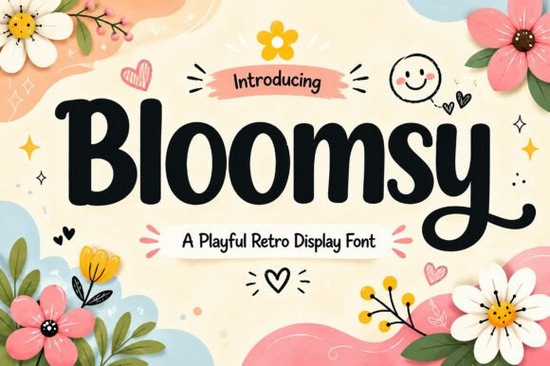
If you need a typeface that feels warm, approachable, and instantly recognizable, Bloomsy Font delivers exactly that. This playful retro display font uses bold, rounded letterforms and smooth curves to give your work a friendly, handcrafted vibe. Whether you run a small print-on-demand shop, design branding for local businesses, or create digital assets for craft markets, this typeface fits naturally into projects that need a cheerful touch without looking overly polished or corporate.
What makes this retro display font stand out?
Most display fonts lean heavily into either strict geometry or rough brush strokes. This one sits comfortably in the middle. The chunky uppercase and lowercase characters keep a consistent visual weight, which helps maintain readability even at larger sizes. You also get full numbers, punctuation, and multilingual support, so you can design for international audiences without switching typefaces mid-project. Because the characters are PUA encoded, you can access every glyph and alternate directly through standard design software. This saves time when you are adjusting kerning or testing different layout options for packaging and social media headers. The soft edges also prevent the design from feeling too heavy, making it a reliable choice for both digital screens and physical prints.
Which projects work best with a playful typeface like this?
A font with this much personality shines when you give it room to breathe. It works particularly well for short headlines, brand marks, and product labels where you want the message to feel inviting rather than formal. Designers often pair it with simpler sans-serif body text to keep the overall layout balanced. If you are exploring other display styles for seasonal campaigns, you might also look at how a warm honey-inspired duo handles vintage packaging, or how a stacked lettering style adds structure to poster layouts. For children’s books, birthday invitations, and handmade merchandise, the soft curves naturally draw the eye without overwhelming the rest of the design. You can also test it alongside a retro melted typeface when you want to push a more nostalgic seventies aesthetic.
How do you install and pair it without guesswork?
Installation takes less than a minute on both Windows and Mac. Once the OTF or TTF files are added to your system font folder, the typeface appears automatically in Canva, Illustrator, Photoshop, and Cricut Design Space. When pairing, stick to clean, neutral fonts for paragraphs and let the display font handle titles, badges, and call-to-action buttons. If you prefer a more handwritten contrast for subheadings, a casual script option can soften the overall composition. For modern branding kits that need a slightly sharper edge, testing a clean geometric alternative alongside your main title helps you compare visual hierarchy before finalizing the mockup. Keep your line height generous and avoid tracking the letters too tightly, since rounded shapes need a little extra white space to stay legible.
What should you verify before using it commercially?
Always review the license file included with your download. Most creative marketplaces offer separate personal and commercial tiers, and print-on-demand sellers usually need the commercial license to place the font on products for sale. Check that your design software supports PUA encoding if you plan to use special alternates. Run a quick print test at the actual product size, especially for stickers, t-shirt transfers, and packaging labels. Screen rendering often looks sharper than physical ink, so a test print helps you catch any thickness issues before you commit to a full production run. Finally, outline your text before sending files to professional printers to prevent substitution errors.
Before you start your next layout, run through this quick setup checklist:
- Install the font files and restart your design program
- Verify the commercial license matches your intended use
- Set tracking to zero or slightly positive for better readability
- Pair with a simple sans-serif for body copy
- Export a test print at 100% scale to check stroke weight
Once those steps are clear, you can move straight into drafting logos, social graphics, or product labels with confidence. Save your favorite kerning pairs as a style preset, and you will cut your layout time in half on future projects.
Explore Design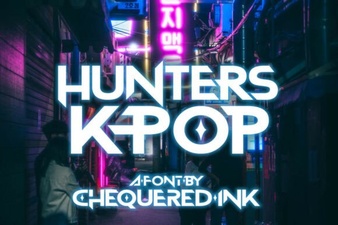 Hunters Font: Creative K-Pop Design Ideas
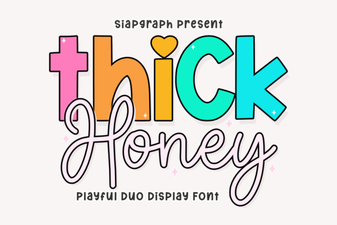 Thick Honey Duo Font for Creative Projects
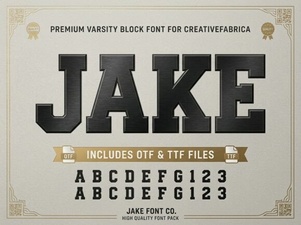 Jake Font: Creative Design Projects & Download Guide
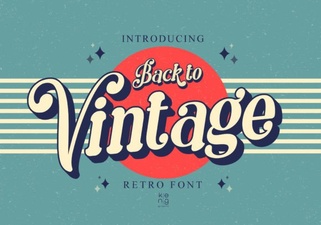 Vintage Fonts for Modern Design Projects
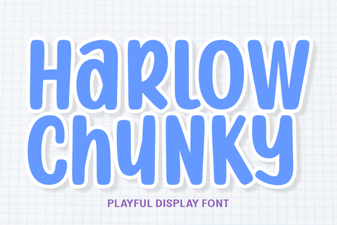 Harlow Chunky Font: Design Projects & Inspiration
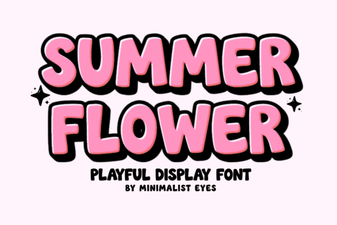 Fresh Fonts for Summer Flower Designs & Crafts