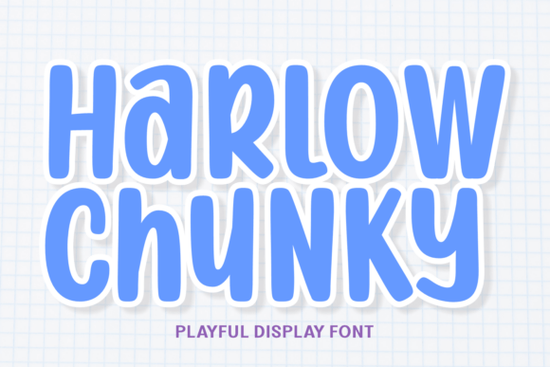
If you need a typeface that instantly adds a bubbly, sticker-like feel to your layouts, Harlow Chunky Font delivers exactly that. Designed by 7ntypes, this playful display font leans into soft rounded edges, a thick white offset border, and a candy-shop energy that reads clearly even on busy backgrounds. Whether you’re building children’s product packaging, drafting summer camp flyers, or crafting digital planner stickers, the font’s heavy visual weight and geometric bounce keep your message front and center without sacrificing readability.
What makes this font work for playful projects?
The secret lies in how the letterforms are constructed. Each character carries a bold, maximalist shape wrapped in a clean white stroke that mimics a die-cut sticker. That built-in offset means you don’t have to manually add outlines in your design software, which saves time when you’re batching thumbnails or mockups. The rounded terminals and hand-drawn sparkle accents keep the tone light, while the steady x-height maintains legibility across screen and print. If you’ve experimented with other cheerful typefaces like soft retro display styles or bold paired lettering sets, you’ll notice how this one leans harder into a youthful, high-energy vibe without feeling cluttered. You can also browse the full project preview to see how the multi-colored scheme handles different background textures.
Where does it fit best in your design workflow?
Display fonts with heavy outlines and bright personalities shine when they’re given room to breathe. Here’s where crafters and small business owners tend to get the most mileage:
- Children’s branding and toy packaging: The sticker-like border pops against pastel or primary color blocks, making shelf labels instantly recognizable.
- Birthday party suites and event flyers: Invitations, banners, and cupcake toppers look cohesive when the headline type carries that built-in playful offset.
- YouTube thumbnails and casual gaming UI: The thick strokes hold up at small sizes on mobile screens, and the rounded edges keep the interface friendly.
- Digital planner stickers and POD merch: Mugs, tote bags, and notebook covers benefit from the ready-made outline, which prints cleanly on light and dark garments.
When you’re mapping out a seasonal collection, you might also test how it sits alongside light seasonal display typefaces for secondary text, or swap to nostalgic retro lettering when the project calls for a more subdued throwback feel.
How to pair it without overwhelming your layout?
Because the characters carry so much visual weight, restraint is your best tool. Use it strictly for headlines, short phrases, or logo lockups. Keep body copy in a clean sans-serif or a simple serif with open counters. Limit your color palette to two or three shades that complement the font’s bright energy, and let the white offset do the heavy lifting for contrast. If you’re designing for print, run a quick test sheet at 100% scale to check how the outline renders on your chosen paper stock. For digital work, export a PNG with a transparent background and drop it over a busy mockup to verify that the letters stay readable without extra drop shadows.
What should you check before downloading?
Make sure the file package matches your workflow. Look for OTF and TTF formats if you’re working in Illustrator, Photoshop, or Procreate, and confirm that webfont files are included if you plan to use the typeface on a landing page or Shopify store. Check the licensing terms carefully, especially if you’re selling physical products or digital templates. Most marketplace fonts allow commercial use for small batches, but print-on-demand platforms and template resale often require an extended license. You can review the full licensing details and grab the files directly through Harlow Chunky Font on Creative Fabrica.
Quick pre-launch checklist:
- Install both OTF and TTF versions and restart your design app before testing.
- Set headlines between 36pt and 72pt to keep the white offset crisp.
- Pair with a neutral body font and limit decorative elements to avoid visual noise.
- Run a print proof on your final material to check outline thickness and color contrast.
- Verify your license covers POD, digital downloads, or client work before publishing.
Start with a single mockup, adjust your tracking until the letters feel balanced, and save your color swatches as a reusable style. Once the setup is dialed in, you can roll the same type treatment across stickers, thumbnails, and packaging without starting from scratch each time.
Get Started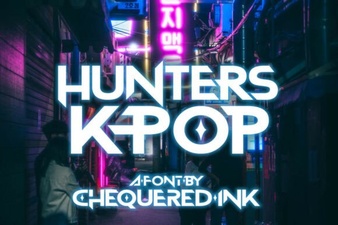 Hunters Font: Creative K-Pop Design Ideas
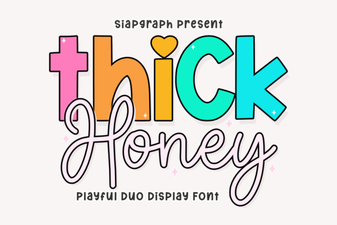 Thick Honey Duo Font for Creative Projects
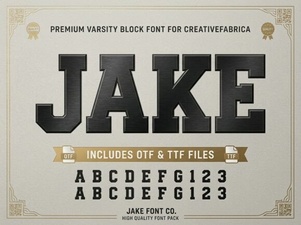 Jake Font: Creative Design Projects & Download Guide
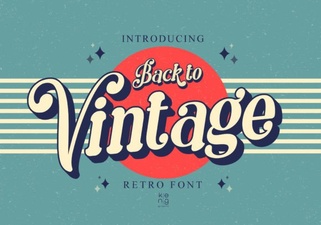 Vintage Fonts for Modern Design Projects
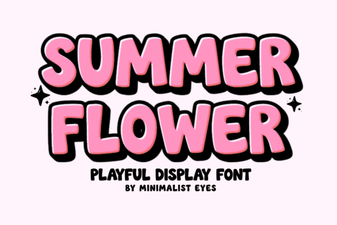 Fresh Fonts for Summer Flower Designs & Crafts
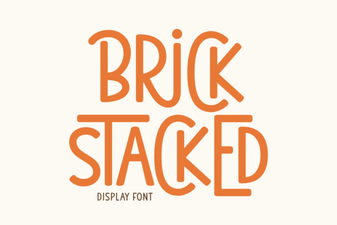 Creative Brick Stacked Typography Projects