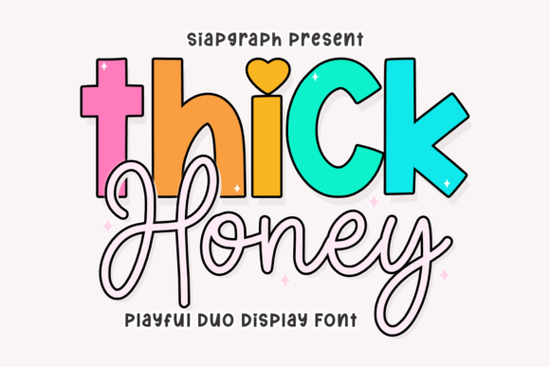
If you need a typeface that balances bold headers with a soft, hand-drawn feel, the Thick Honey Duo Font gives you exactly that in one download. It pairs a chunky, rounded display style with a fluid script, so you can create layered text treatments without hunting for matching fonts. Designers, crafters, and print-on-demand sellers use this kind of duo setup to keep branding consistent while adding a friendly vibe to everything from social posts to product packaging.
What makes this typeface work for playful projects?
The secret is in the contrast. The heavy display letters grab attention immediately, while the lighter script strokes add movement. Because the characters are rounded and evenly spaced, the font reads clearly even at smaller sizes. This makes it reliable for merchandise labels, custom stickers, and nursery wall art where legibility matters just as much as style. The included PUA encoding means every alternate character and decorative swirl is ready to use in standard design software. You won’t need extra plugins to access the full set.
Which design projects fit this style best?
This duo typeface shines when your goal is to communicate warmth and creativity. It’s a natural fit for:
- Bakery and cafe branding – menu headers, packaging tags, and window decals
- Children’s products – book covers, toy packaging, and playful social graphics
- Print-on-demand merchandise – t-shirt quotes, tote bag prints, and mug designs
- Digital content – YouTube thumbnails, Pinterest pins, and Instagram story templates
When you want a similarly bold structure but prefer a more geometric look, you might explore options like structured block lettering for contrast. If your project calls for a softer, rounded display style, checking out modern rounded typefaces can help you compare weights before finalizing your layout.
How do you install and access the special characters?
Installation follows the standard process for desktop fonts. Download the ZIP file, extract the OTF or TTF files, and double-click to install on Windows or Mac. Once installed, open your design program and select the font from the dropdown menu. To reach the alternates and swashes, open the glyphs panel in Illustrator, Photoshop, or Cricut Design Space. Because the files are fully PUA encoded, every decorative element maps correctly without requiring professional typography software. If you’re working on cutting machines, make sure to upload the script version as a single welded layer so the connections stay smooth during production.
What should you pair it with for balanced layouts?
Since this typeface already includes two complementary styles, you rarely need a third font. Use the chunky display for your main message and the script for supporting text. Keep your color palette bright but limited to three shades so the letterforms stay readable. When you need a simpler backup for body text, a clean sans serif works best. For projects that lean heavily into handwritten aesthetics, you might also test friendly script alternatives to see how different stroke widths affect your composition. If your headers need extra weight for large-format printing, comparing heavy display options can help you choose the right scale. And when you want a straightforward chunky style for neutral designs, bold sans serif displays offer a useful contrast to the softer curves here.
Is this font worth adding to your creative toolkit?
Yes, if you regularly design for audiences that respond to warmth and personality. The dual-style setup saves time, the PUA encoding removes technical friction, and the rounded forms translate well across digital and print media. You can preview the full character set and license details for the Thick Honey Duo Font before purchasing. Always check the commercial license terms if you plan to sell finished products, especially for print-on-demand platforms that require specific usage rights.
Quick setup checklist before you start designing:
- Install both the display and script files, then restart your design software
- Open the glyphs panel to locate alternates, swashes, and punctuation marks
- Test your layout at 100% zoom to confirm spacing and readability
- Weld or flatten script text before sending files to cutting machines
- Save a branded color palette that complements the rounded letterforms
Start with a simple quote or product name, apply the display weight to the main words, and let the script fill in the details. Adjust tracking slightly if the chunky letters feel too tight, and export a test print to verify how the curves hold up on your chosen material.
Explore Design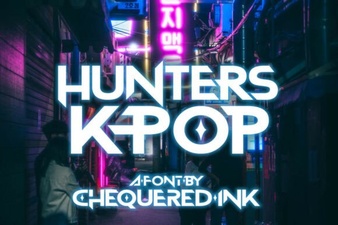 Hunters Font: Creative K-Pop Design Ideas
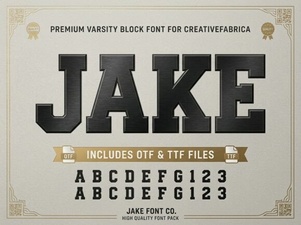 Jake Font: Creative Design Projects & Download Guide
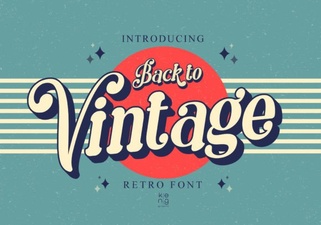 Vintage Fonts for Modern Design Projects
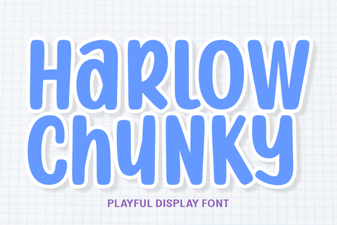 Harlow Chunky Font: Design Projects & Inspiration
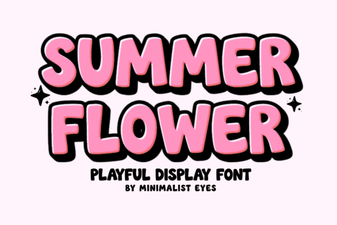 Fresh Fonts for Summer Flower Designs & Crafts
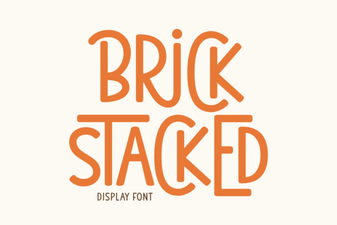 Creative Brick Stacked Typography Projects