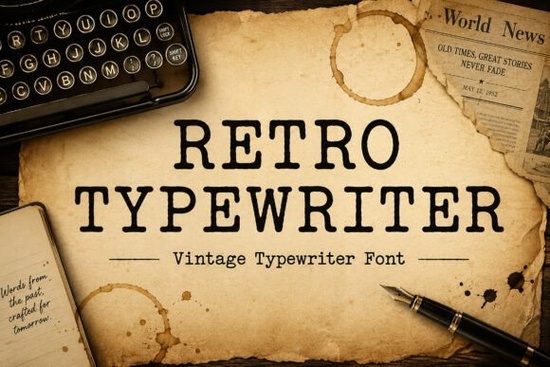
If you need a typeface that mimics the uneven ink spread and mechanical rhythm of an old typing machine, the Retro Typewriter Font delivers exactly that. It is built for designers, print-on-demand sellers, and crafters who want a nostalgic editorial look without sacrificing readability. The letterforms are clean but intentionally slightly imperfect, which gives your layouts a lived-in, authentic feel right from the first keystroke.
What makes this typeface stand out?
Most vintage-inspired fonts either look too polished or become difficult to read at smaller sizes. This one strikes a practical balance. The serifs are crisp enough for clear printing, while the subtle weight variations and uneven baseline recreate that classic mechanical press effect. You get the warmth of a historical document without the frustration of mismatched spacing or broken characters. It works smoothly in standard design software, and the glyph set covers the basics you need for quotes, packaging labels, and short editorial blocks.
Which projects work best with a vintage typewriter style?
The slightly rough edges and steady rhythm make it a natural fit for projects that rely on storytelling or nostalgia. Here is where it tends to perform best:
- Book covers and journal layouts that need a writer-themed or detective novel aesthetic
- Print-on-demand merchandise like mugs, t-shirts, and tote bags featuring short quotes or author-inspired graphics
- Editorial spreads and newspaper-style posters where a historical vibe adds credibility
- Rustic packaging and small business branding that benefits from a handcrafted, analog feel
- Social media graphics that pair typography with muted textures or paper backgrounds
When you keep the text length moderate and let the font breathe with generous margins, the retro character really shows through without overwhelming the design.
How do I pair it with other serif fonts?
Typewriter styles already carry a lot of visual weight, so pairing them requires a light touch. You usually want a contrasting serif that feels smoother and more refined. For example, if you are building a brand kit, you might use a softer editorial serif for body copy while keeping the typewriter face for headlines and pull quotes. Another reliable approach is to match it with a clean, modern serif that balances the mechanical rhythm without competing for attention. When you need something with a bit more contrast for subheadings, a high-contrast serif option can create a nice hierarchy. The key is to limit your palette to two typefaces and let the vintage style take the spotlight only where it adds meaning.
What should I check before downloading?
Not every retro font includes the same licensing or file formats, so it helps to verify a few practical details before you commit. Make sure the download includes both OTF and TTF files so you can install it on Windows and Mac without extra conversion steps. Check whether the license covers commercial use, especially if you plan to sell physical products or digital templates. Look for punctuation, numbers, and basic ligatures, since missing glyphs can break a layout halfway through a project. You can preview the full character set and licensing terms for the Retro Typewriter Font directly on the marketplace before adding it to your library.
Quick setup tips for better results
Getting the most out of a mechanical-style typeface comes down to small adjustments. Try these steps before exporting your final design:
- Increase letter spacing slightly (around 10 to 20 units) to mimic the natural gap between typewriter keys.
- Use a paper texture or subtle grain overlay at low opacity to enhance the vintage print effect.
- Avoid long paragraphs; keep text blocks under four lines for posters and merchandise.
- Test print at actual size to check ink spread and legibility on your chosen material.
- Pair with muted, earthy color palettes like cream, charcoal, olive, or faded navy for a cohesive look.
If you want to explore more vintage-inspired options that share a similar editorial feel, you can also browse related serif collections that match this aesthetic. Start by creating a simple mockup of your intended product, apply the tracking adjustments listed above, and save your preferred settings as a style preset. That way, your next journal cover, quote graphic, or packaging label will come together faster and look consistently polished.
Get Started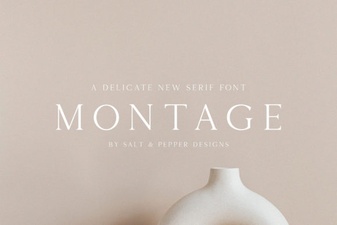 Montage Font: Creative Design Applications
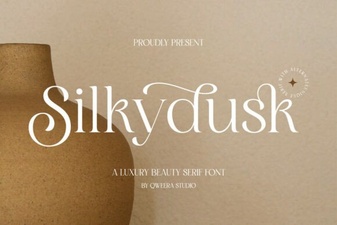 Silkydusk Font: Elegant & Creative Typeface Design
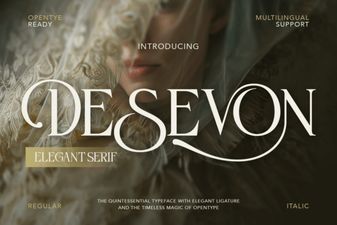 Desevon Font: Creative Typography for Designers
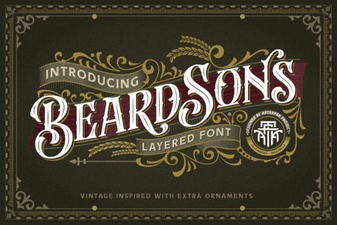 The Beardsons Font: for Creative Design & Typography
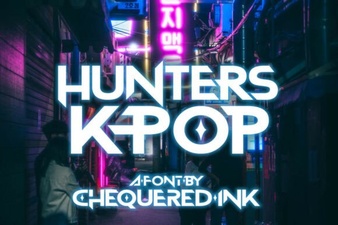 Hunters Font: Creative K-Pop Design Ideas
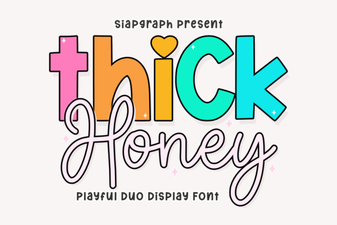 Thick Honey Duo Font for Creative Projects