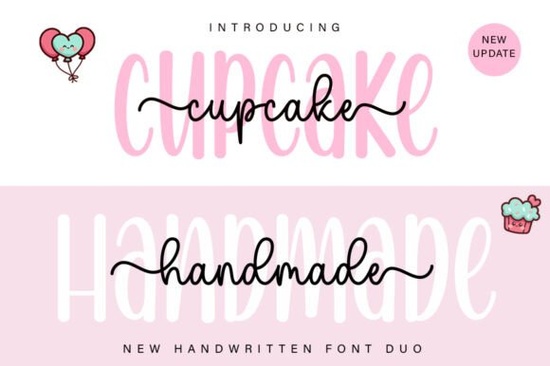
If you need a typeface that balances clean readability with a soft, handwritten feel, Cupcake Handmade Duo Font gives you exactly that in one download. It pairs a straightforward sans serif with a flowing script, so you can mix styles without hunting for separate files. The design leans romantic and delicate, making it a reliable choice for wedding invitations, boutique branding, and print-on-demand products that need a personal touch.
What makes a duo font useful for everyday projects?
A duo font bundles two complementary styles together. Instead of guessing whether a script will clash with your body text, you get a pre-matched set that shares the same proportions. The sans serif handles longer paragraphs and small print, while the script adds personality to names and short headlines. This setup saves time when laying out greeting cards, product labels, or social media graphics. You keep your workflow simple and your designs consistent.
Where does this style work best?
The delicate curves and relaxed spacing make it a natural fit for projects that call for warmth. Think bridal shower invites, handmade soap packaging, nursery wall art, and café menus. It also performs well on merchandise like tote bags and stickers where a clean sans serif keeps details readable. If you run a small shop, having a reliable romantic typeface means you can finish mockups faster. When you want a similar handmade vibe but a different mood, you might also browse options like a seasonal display style or a casual brush alternative.
How do I access the special characters and ligatures?
The font is PUA encoded, which means every alternate glyph, swash, and ligature is mapped and ready to use. You do not need professional software to reach them. In most programs, open the character map or glyph panel, select the style you want, and click to insert it. For Cricut Design Space or Silhouette Studio, upload the font, open the text tool, and switch to the script version to see connected letters. If you prefer a more signature-like flow for branding, a minimal signature style can complement this set. For projects that need a relaxed feel, you might also test a casual handwriting option alongside your layout.
What should I know before buying or downloading?
Check the license that matches your workflow. Personal use covers practice files and gifts, while a commercial license is required for items you sell. Make sure your software supports OpenType features if you plan to use automatic ligatures. Test the font at different sizes before finalizing a print run, since script fonts can lose detail when scaled too small. Keep the sans serif for fine print and contact information. You can preview the full character set and licensing details for Cupcake Handmade Duo Font directly on the marketplace. If you want to keep your project files organized, bookmark the dedicated font page for quick reference later.
How do I pair it with other elements?
Keep the background clean so the delicate strokes stand out. Soft pastels, warm neutrals, and light textures work well. Avoid heavy drop shadows or thick outlines, which can flatten the script’s natural movement. Let the sans serif carry supporting details while the script takes the focal point. Limit the script to one or two lines per design to maintain readability. Stick to two accent colors and plenty of white space to keep layouts looking professional.
Before you start your next project, run through this quick setup checklist:
- Install both files and restart your design program.
- Open the glyph panel to locate swashes and alternates.
- Test the script at 12pt, 24pt, and 48pt to find the clearest size.
- Pair the font with a simple grid and limit decorative elements.
- Verify your license covers the intended use.
Once those steps are done, you can move straight into designing. Save a few template files with your preferred spacing settings, and you will cut down layout time on every future order.
Try It Free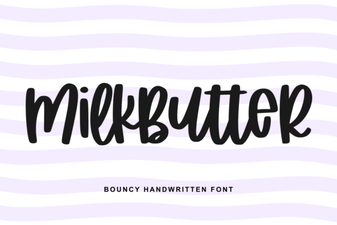 Milkbutter Font for Clean, Creative Web Design
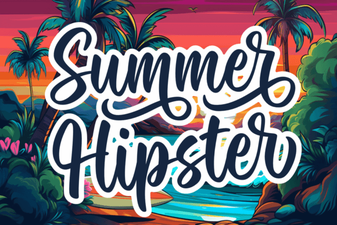 Fresh & Free Hipster Fonts for Summer Projects
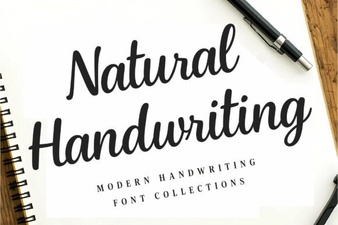 Design Creative Projects with Natural Handwriting Fonts
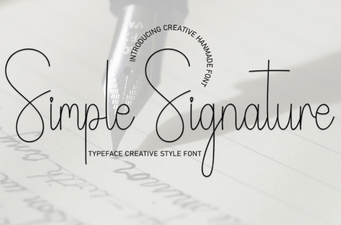 A Font for Signatures That’s Easy & Beautiful
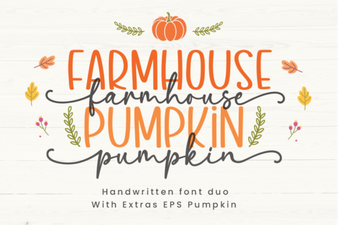 Farmhouse Pumpkin Font Design Ideas & Inspiration
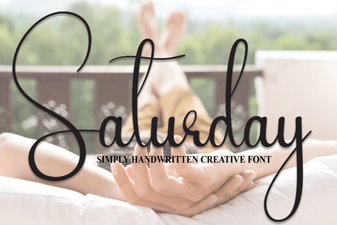 Saturday Font: Creative Styles for Weekend Projects